Works with the AI Agents you already use
 Claude Code
 Cursor
 Codex CLI
 Muse
 Dots+21 moreClaude CodeCursorCodex CLIMuseDots
 Manus
 Grok
 Grok Bot+18 agents
Human-in-the-Loop Gate Designer
Decide which agent actions need a human, place the gate where it holds, and measure whether it works.
$15

Human-in-the-Loop Gate Designer
Example session with this skill installed
Our support agent can refund up to £500 and email customers. Right now a human approves every action and approves everything in under two seconds. Design gates that mean something.
- Read your context and instructions
- Compiled the human-in-the-loop gate designer
Worked example — illustrative data.
Human-in-the-loop design: support agent
Verdict
6 actions inventoried. 2 need a gate, 2 are automatic with undo, 2 are read-only.
The current gate fires 420 times a day and denies 0.3% — it is a rubber stamp.
Action inventory
| Action | Reversible | Blast radius | Frequency |
|---|---|---|---|
| Look up order | yes | none | 3,000/day |
| Send status email | no | one customer | 900/day |
| Refund under £50 | yes, 24h | one customer | 380/day |
| Refund £50-500 | no | one customer | 40/day |
| Refund over £500 | no | finance | 3/day |
| Delete account data | no | whole account | 1/week |
Risk tiers and controls
| Action | Tier | Control |
|---|---|---|
| Look up | 0 | log only |
| Status email | 1 | automatic, undo window, 1% sampled review |
| Refund under £50 | 1 | automatic, daily cap per agent, anomaly alert |
| Refund £50-500 | 3 | gate with amount and order shown |
| Refund over £500 | 4 | two-person rule |
| Delete data | 4 | non-agent path |
Gate design
"Refund £180 to Maria Silva, order A-1042. Reason: damaged item, photo attached. The customer is told immediately. This cannot be reversed after 24 hours."
Buttons: Approve · Deny · Ask customer. Deny is not smaller than approve.
Escalation
Timeout 15 minutes: fail closed for tier 3 and 4.
Approval under 2 seconds is flagged for review.
Metrics
Approval rate tier 3 target below 90%; median decision time above 8 seconds; denial rate above 3%.
What stays unguarded
Order lookups and status emails, because they are reversible and the volume makes gating harmful.
Connects securely to your tools. The creator never sees your data.
About this skill
Human-in-the-loop gate design: rank actions by harm, place approval gates where autonomy is unsafe, and log every decision.
Use this skill when:
- decide where a human must approve
- an agent can take irreversible actions
- design approval workflows
- meet audit requirements for autonomy
Who it's for: Teams shipping autonomous actions.
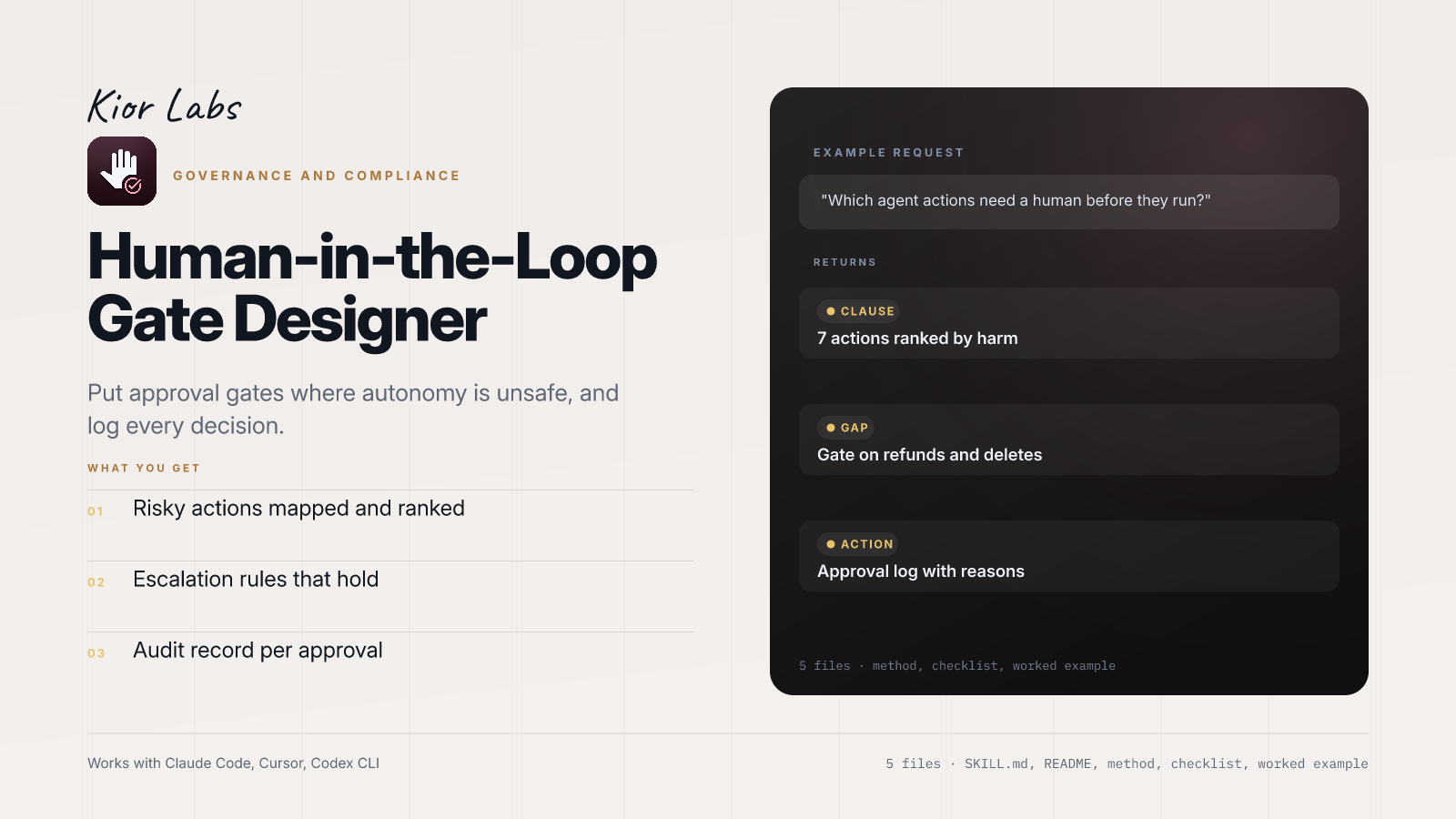
Example request
Which agent actions need a human before they run?
What the example returns
- 7 actions ranked by harm
- Gate on refunds and deletes
- Approval log with reasons
In the package: five files — SKILL.md with the trigger and workflow, README.md, references/METHOD.md (the full method), references/CHECKLIST.md (the pass/fail gate) and examples/EXAMPLE.md (a worked run you can copy).
Works with Claude Code, Cursor, Codex CLI and any agent that reads SKILL.md. Plain markdown: no API key, no account, no network access.
Requires a deterministic tool-calling layer or middleware to intercept actions. Does not generate frontend component code. Focused on architectural design, not implementation scripts.
How to use
- 1
Connect your agent to the Agensi MCP
Copy the prompt and paste it into Claude, ChatGPT, Cursor or any agent that supports MCP. It sets up the connection for you. Manual setup
- 2
Sign in to Agensi
Your agent shows a sign-in link. Sign in and click Allow.
- 3
Ask for what you need
Your agent loads this skill and uses it on your task. It always asks before any payment.
Reviews
No reviews yet
Be one of the first to try it. Every listed skill goes through the trust checks below.
Security scanned
Checked by our 8-point scan before listing
Fresh listing
Recently published to Agensi
Money-back guarantee
Doesn't do what its page promises? You get your money back.
Trust & safety
Security scan
Security scan passed 2 days ago
Permissions
Produces a design from your description. No network calls, no credentials.