Works with the AI Agents you already use
 Claude Code
 Cursor
 Codex CLI
 Muse
 Dots+21 moreClaude CodeCursorCodex CLIMuseDots
 Manus
 Grok
 Grok Bot+18 agents
Agent Observability Setup
Instrument an agent so failures are visible before users report them: spans, attributes, dashboards and alerts.
$15

Agent Observability Setup
Example session with this skill installed
Our agent has been in production for three months with no tracing. Debugging a bad answer takes hours. Design the observability we need, without logging customer data.
- Read your context and instructions
- Compiled the agent observability setup
Worked example — illustrative data.
Observability plan: support agent
Current state
Application logs only: status codes and latency. No prompt versions, no tool arguments, no retrieval scores. Time to reproduce a bad answer: 2–4 hours.
Span model
trace: request (session, user_hash, input_hash)
- retrieve: query_hash, top_k, chunk_ids, top_score
- model: model, prompt_version, input_tokens, output_tokens, finish_reason
- tool: name, args_hash, ok, error_class, latency
- respond: output_tokens, guardrail_flags
Attribute dictionary
| Attribute | Example | PII |
|---|---|---|
| gen_ai.request.model | claude-sonnet-4 | no |
| gen_ai.usage.input_tokens | 1240 | no |
| app.prompt.version | support-v14 | no |
| app.tool.name | refund_order | no |
| app.cost.usd | 0.0082 | no |
| app.retrieval.top_score | 0.71 | no |
Raw prompts go to a separate store, redacted, 14-day retention.
Sampling and retention
Head sample 100% for errors, 10% for success. Tail-sample whole traces, never individual spans. Attributes 90 days; content 14 days.
Dashboards
- Health: error rate by span, p95 latency, timeouts.
- Cost: spend/hour, cost per successful task, cache hit rate.
- Quality: refusal rate, empty answers, tool errors, repair rate.
- Failure drill-down: top failing tool, prompt version, error class.
Alerts
| Alert | Threshold | Window |
|---|---|---|
| Error rate | +2x baseline | 10 min |
| p95 latency | above SLA | 10 min |
| Cost/hour | 2x weekly median | 15 min |
| Tool error, single tool | above 5% | 10 min |
Rollout
Instrument one path, verify a trace, add cost and versions, ship health and cost dashboards, then quality.
Connects securely to your tools. The creator never sees your data.
About this skill
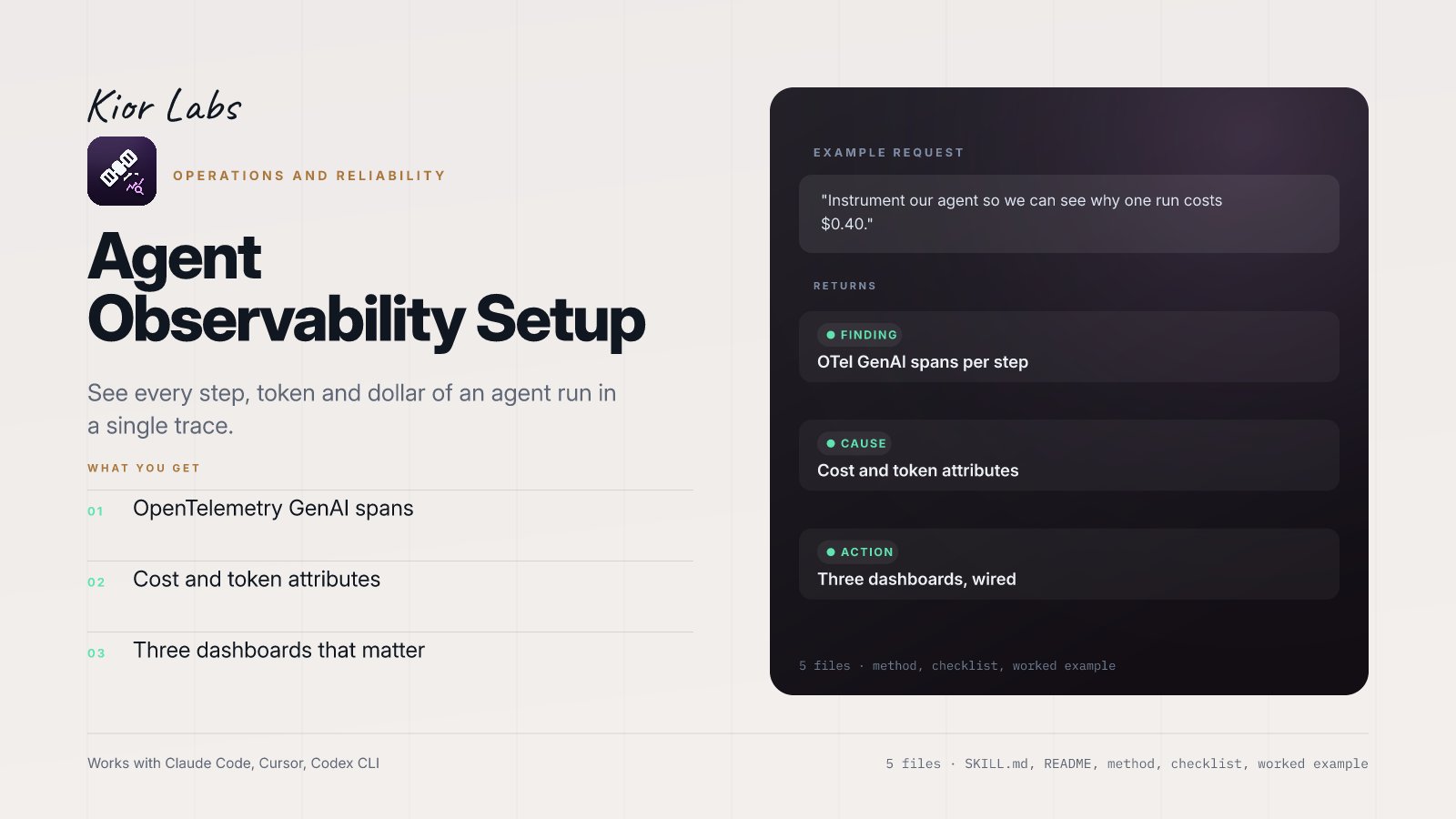
Agent observability setup with OpenTelemetry GenAI spans, cost and token attributes, and the three dashboards that actually get used.
Use this skill when:
- instrument an agent with tracing
- find out why a run failed or cost so much
- set up OpenTelemetry for LLM calls
- get visibility into agent behaviour
Who it's for: Teams running agents in production without tracing.
Example request
Instrument our agent so we can see why one run costs $0.40.
What the example returns
- OTel GenAI spans per step
- Cost and token attributes
- Three dashboards, wired
In the package: five files — SKILL.md with the trigger and workflow, README.md, references/METHOD.md (the full method), references/CHECKLIST.md (the pass/fail gate) and examples/EXAMPLE.md (a worked run you can copy).
Works with Claude Code, Cursor, Codex CLI and any agent that reads SKILL.md. Plain markdown: no API key, no account, no network access.
Requires existing telemetry infra. Does not provide executable code. Quality metrics require a judge or human feedback loop. Tool-specific price tables must be manually maintained.
How to use
- 1
Connect your agent to the Agensi MCP
Copy the prompt and paste it into Claude, ChatGPT, Cursor or any agent that supports MCP. It sets up the connection for you. Manual setup
- 2
Sign in to Agensi
Your agent shows a sign-in link. Sign in and click Allow.
- 3
Ask for what you need
Your agent loads this skill and uses it on your task. It always asks before any payment.
Reviews
No reviews yet
Be one of the first to try it. Every listed skill goes through the trust checks below.
Security scanned
Checked by our 8-point scan before listing
Fresh listing
Recently published to Agensi
Money-back guarantee
Doesn't do what its page promises? You get your money back.
Trust & safety
Security scan
Security scan passed 2 days ago